
Department Definitions
Select Settings > Departments in the menu to open the department definition page. Departments are selected in the task center definition and in the user definition; they are also used in the process filters of the device and tag screens (see Task Centers). The figure below shows the department table.
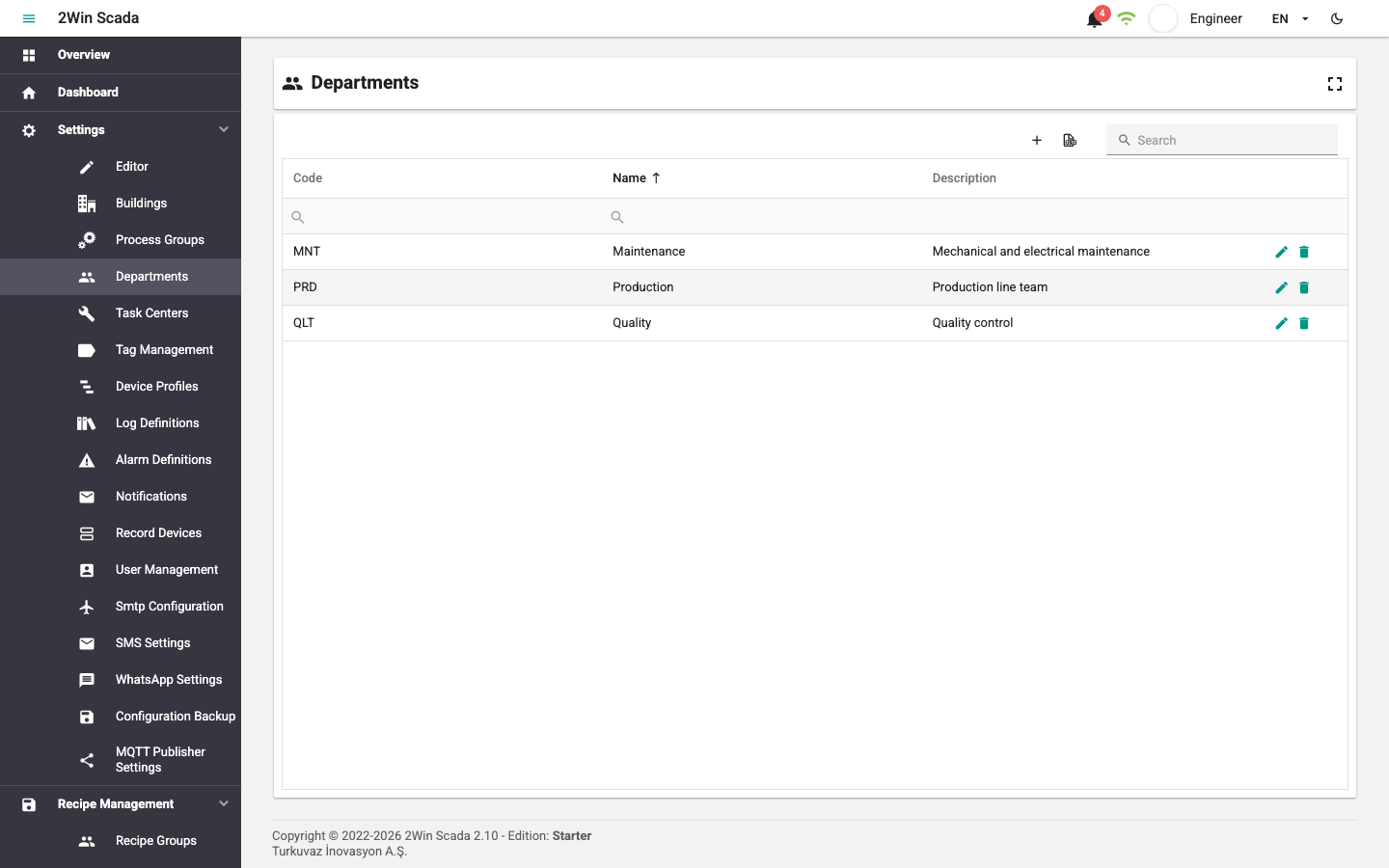
The table has the Code, Name and Description columns. Creating, editing, deleting, exporting to Excel and searching work the same way as in the tables on the Building Definitions page. The figure below shows the new record window (Department Definition).
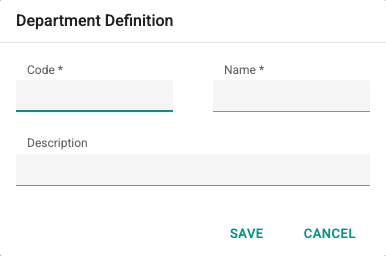
Fill in the following fields in this window:
- Code: A department code that is unique in the system. Required; must not start with a digit.
- Name: The department name. Required; must be 3–50 characters long and must not start with a digit.
- Description: An optional description of up to 100 characters.
To filter the records in the table, use the filter boxes below the column headers.
To define, edit and delete departments, the user's group must have the Editor role. Users without the Editor role see in the lists only the departments used by the task centers of the process groups they can access.